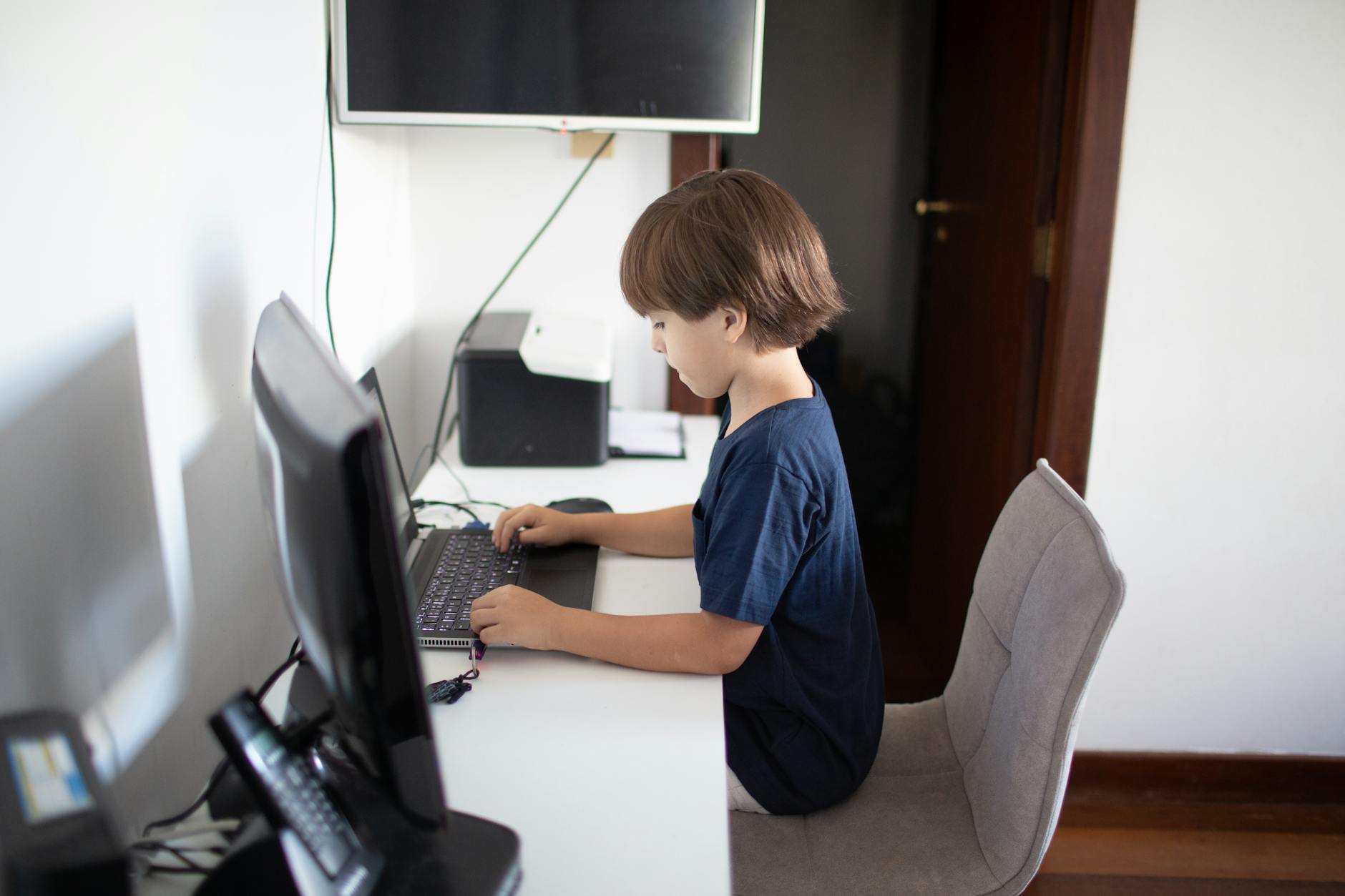
The Best Free Homeschool Technology Tools (That We Actually Use)
Not apps with subscription fees. Not platforms that want your data. The free digital tools that have earned a permanent place in our homeschool — and what we actually use them for.
Most lists of homeschool technology tools are written by people with affiliate relationships to paid platforms.
This is a list of tools we actually use, all of which are free.
For Curriculum and Content
Khan Academy (khanacademy.org) — Free math instruction from basic arithmetic through calculus, with video lessons and practice problems. The strongest free math supplement available. We use it for reinforcement when a concept is not landing with our primary curriculum.
One specific use case worth naming: when I have taught a math concept and my son still does not have it, sometimes hearing it explained by a different voice is all that was needed. Khan Academy is that second voice. The mastery-based practice problems also help him work at his own pace rather than mine.
Ambleside Online (amblesideonline.org) — A free Charlotte Mason curriculum with complete book lists, schedules, and guidance from Year 1 through high school. Even families who do not follow it find the book lists invaluable.
We used Ambleside Online for three years before adapting it to our own schedule. Even now, when I am looking for the right book for a particular period or subject, the AO book lists are where I start. The community forum (AO Forum) is also worth knowing about — it is large, experienced, and genuinely helpful.
LibriVox (librivox.org) — Free public domain audiobooks, volunteer-read. The quality varies, but the selection is extraordinary. Almost all classic literature is available.
We use LibriVox during car rides and chores. My daughter has listened to all of Little Women, most of Jane Austen, and a substantial amount of Dickens this way. The volunteers are not always professional narrators, and some recordings are noticeably better than others. Use the review section of each book listing to find which recordings have good audio quality before committing.
Project Gutenberg (gutenberg.org) — Free public domain books as text files. Every book whose copyright has expired is here. We use this for older literature and historical documents.
The main limitation is format: plain text or basic ePub, not beautifully typeset pages. For reading comprehension and study purposes, this rarely matters. We download texts and print key passages rather than reading on screen for extended sessions.
YouTube — Used strategically. The biology channels (CrashCourse, Kurzgesagt) are genuinely good. Historical documentaries are plentiful. Musical performances. Nature footage. A disciplined approach to YouTube is a legitimate content resource.
The word "disciplined" is doing real work in that sentence. Our current approach: specific videos are selected in advance, watched together, and discussed. Autoplay is off. The algorithm's recommendations are ignored. YouTube-as-passive-content is different from YouTube-as-educational-resource, and the distinction requires active management.
Channels we actually use: CrashCourse (history, science, literature overviews), Kurzgesagt (science concepts, genuinely excellent visuals), 3Blue1Brown (for older students — math visualization unlike anything in print), and the Met Museum's channel for art history.
For Reference and Research
Wikipedia — Not as a primary source, but as an orientation and a pointer to primary sources. The "References" section at the bottom of any serious Wikipedia article is a bibliography worth following.
Teaching a child to use Wikipedia well means teaching them not to cite Wikipedia. It means teaching them to use the citations at the bottom of a Wikipedia article to find the actual source. This is a research skill worth practicing explicitly.
Google Arts & Culture (artsandculture.google.com) — Free access to museum collections worldwide at very high resolution. Virtual gallery walks, artist information, historical artifacts. Better than most field trips for certain subjects.
We use this for art history specifically. You can zoom into a Rembrandt to see individual brushstrokes. You can compare two paintings side by side from museums on different continents. The virtual museum tours are limited, but the individual artwork access is extraordinary.
Merriam-Webster (merriam-webster.com) — The free dictionary. More reliable than Google dictionary and includes etymology, usage notes, and word history. Children who develop the dictionary habit have vocabulary advantages that accumulate over years.
The habit we have tried to build: when an unfamiliar word appears in reading, we look it up before moving on. Not every word — that would make reading miserable. The words that seem worth knowing. The etymology section is often the most interesting part and the most memorable. A child who knows that "terrible," "terrific," and "terrified" all share a root meaning "to cause terror" has learned more than a definition.
The Library of Congress (loc.gov) — Searchable primary source documents, photographs, maps, and recordings. Free access to original historical documents from American history. Particularly strong for anything post-1800. We use this when we want the actual text of something rather than a summary of it.
For Organization and Records
Google Docs / Google Sheets — Free word processing and spreadsheets. We keep the reading log in Google Sheets. Portfolio documents in Google Docs. Both are accessible from any device and easy to share.
Specifically: one Google Sheet tracks everything my kids read, with columns for title, author, date finished, and a 1-5 star rating they give it themselves. At the end of each year, that document becomes part of the portfolio. When my daughter applied to a writing program at fourteen, we had three years of reading logs to include. It cost nothing to build and took thirty seconds per book to maintain.
Notion (free tier) — For families who want more organization, Notion's free plan is sufficient for a complete homeschool planning system. Curriculum tracking, book logs, lesson notes.
Notion has a learning curve. If you are already comfortable with Google Docs and Sheets, there is no urgent reason to switch. Notion is worth considering if you want linked databases — a book list that connects to subject tracking that connects to portfolio documentation, all searchable. Some homeschool parents find it transformative. Others find it an overengineered solution to a simple problem. Know yourself.
For Learning a Specific Skill
Duolingo — For language exposure and vocabulary building in younger children. Not a complete language curriculum, but a legitimate daily practice tool.
We used Duolingo as a Spanish supplement when my kids were seven and nine. At that age, the gamification helped more than it annoyed. For high school students who need a genuine language credit, Duolingo is not sufficient on its own. For young children building exposure and interest, it is a reasonable daily five minutes.
Scratch (scratch.mit.edu) — Free programming environment for children. MIT-designed. The most accessible introduction to programming concepts we have found.
Scratch teaches actual programming logic: loops, conditionals, variables, events. It does this through a visual interface that removes syntax as a barrier. A child who has spent a year building games in Scratch has a genuine conceptual foundation for text-based programming later. We moved from Scratch to Python when my son was eleven. The transition was much smoother than it would have been without Scratch as a foundation.
Typing.com — Free touch typing instruction. Typing fluency is a practical skill that produces direct returns in any digital work.
This one sounds mundane. It matters. A student who cannot type fluently spends cognitive energy on the mechanics of typing rather than on what they are trying to write. Fifteen minutes a day for six months produced confident, fluent typing in both of my older kids. We start around age eight or nine.
Canva (free tier) — For students doing project-based work, the free tier of Canva is genuinely useful for creating presentations, posters, and visual reports. It teaches basic design thinking alongside content. We use it when a project calls for something to be presented or shared rather than just completed.
What We Do Not Use
A few things worth naming that we tried and moved on from.
Apps that track time on task. They create the appearance of accountability without the reality of learning. A child who stares at a math problem for thirty minutes on a tracked app has "done math" for thirty minutes. A child who narrates back three paragraphs from a history chapter in ten minutes has learned something. We stopped tracking time and started looking at what was actually produced.
Subscription-based curriculum platforms. Some are good. Many are expensive for what they provide. The free alternatives cover most of the same ground. The one exception: if a specific curriculum platform has produced genuine results that nothing free replicates, the cost is worth evaluating. We have used one paid platform in seven years and dropped it after one year.
The Principle That Guides Our Choices
We do not use technology when an analogue approach works as well or better.
Handwriting is done by hand. Maps are physical maps. Primary source reading is done from a printed page when possible. The books we love are books, not ebooks.
Technology fills gaps and extends reach. A physical atlas cannot show you a live satellite view of the Amazon basin. A local library cannot hold every book in LibriVox. Khan Academy can reteach a math concept my son did not absorb the way I presented it.
Those are genuine uses. They complement the physical, relational, hands-on learning that is the core of our homeschool rather than replacing it.
Screens and technology in our homeschool covers the framework we use for deciding when and how screens are appropriate. And our homeschool reading list is the analogue complement — the books that do what technology cannot.
Written by
The High Vibe Homeschool Team
We are a homeschool family that has been doing this for seven years across three kids. We write about what we have actually tried, what failed, what surprised us, and what we would do again. No credentials. Just lived experience.
ENJOYED THIS ARTICLE?
Get more like it every week
Real homeschool life, in your inbox.
Keep Reading
More in Resources
 Resources
Our Favorite Read-Alouds for Every Age (That the Whole Family Actually Loves)
Read-alouds are the heartbeat of our homeschool day. Here are the books that made our kids beg us to keep reading — sorted by age so you can find your next one fast.
 Resources
Yes, Audiobooks Count. Here's How We Use Them.
Audiobooks are not a shortcut or a lazy day substitute. In our homeschool, they are a core tool. Here's exactly how we use them and why listening absolutely counts as reading.
 Resources
10 Books Every Homeschool Mom Should Read (At Least Once)
Not books for your children. Books for you. The ones that changed how we think about education, restored our confidence on the hard days, and gave us the words for what we were trying to do.